3-PILLAR HARDENING FOR AI CODING ASSISTANTS IN DEV ENVIRONMENTS
AI assistants like Copilot, Claude Code, Cursor, and Gemini in VS Code have deep access to code, configs, and creds; a practical [hardening framework](https://m...
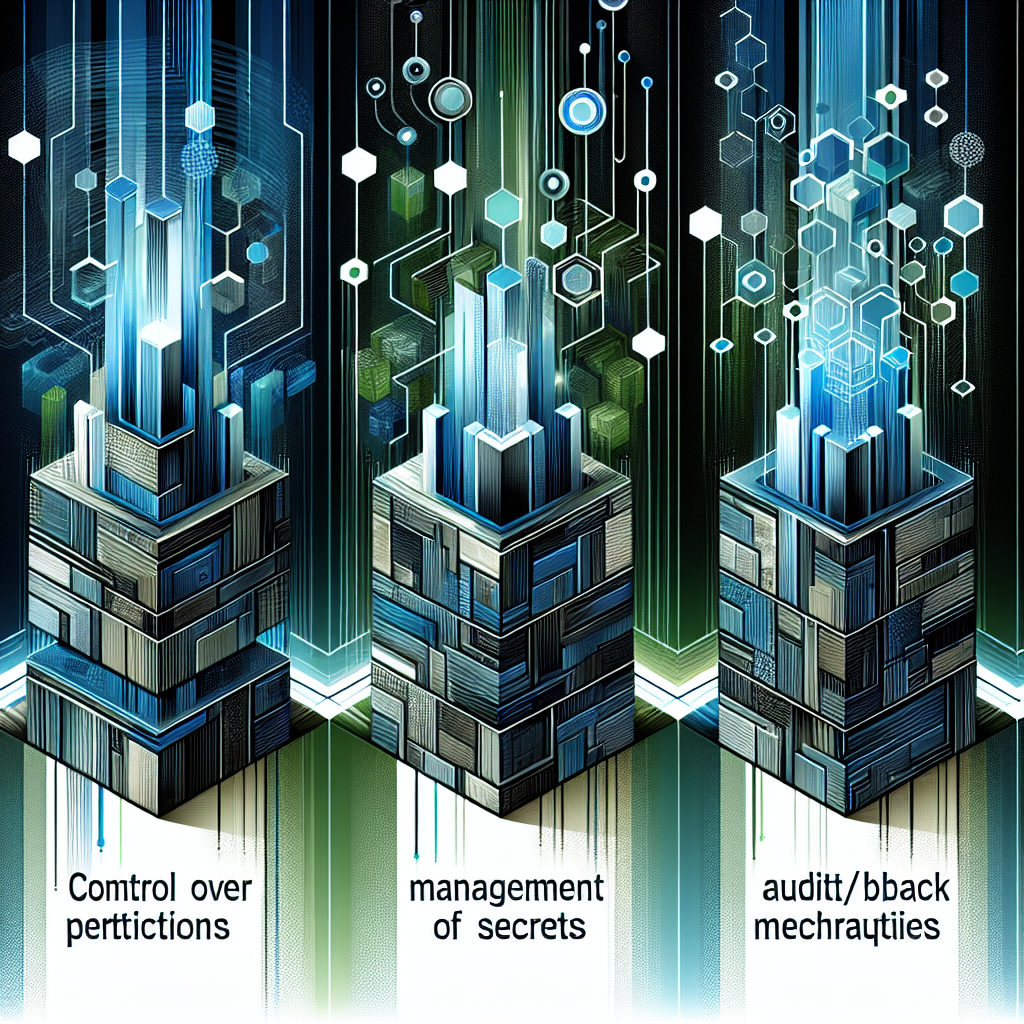
AI assistants like Copilot, Claude Code, Cursor, and Gemini in VS Code have deep access to code, configs, and creds; a practical hardening framework1 centers on permission control (extension + network), secrets hygiene, and audit/rollback of editor settings. The same source outlines a threat model spanning filesystem/network/terminal vectors and real risks (e.g., prompt injection via codebase), with concrete mitigations such as allowlists, egress controls, telemetry-off defaults, and versioned settings: see the threat model and controls2
AI IDE traffic often looks legitimate to EDR, raising silent exfiltration and supply-chain risks.
Unchecked extensions and settings drift can leak secrets and enable prompt-injection attacks.
-
terminal
Enforce an org-wide allowlist/denylist for AI extensions and restrict IDE egress via a proxy with request logging.
-
terminal
Scan repos and editor configs for hardcoded keys, default to telemetry-off, and version settings.json/devcontainer baselines.
Legacy codebase integration strategies...
- 01.
Inventory installed AI extensions across teams, apply policy centrally, and route AI API calls through a monitored gateway.
- 02.
Move API keys from local files to a secrets manager and add pre-commit hooks to block secrets/context leaks.
Fresh architecture paradigms...
- 01.
Ship a hardened devcontainer/bootstrap with allowlisted extensions, telemetry-off, and proxy-only egress.
- 02.
Use scoped, ephemeral API keys per project and version IDE settings for quick rollback.